
The Agilent 5800 and 5900 ICP-OES Instruments User Guide provides information on how to use and maintain the Agilent 5800 and 5900 ICP-OES instruments.
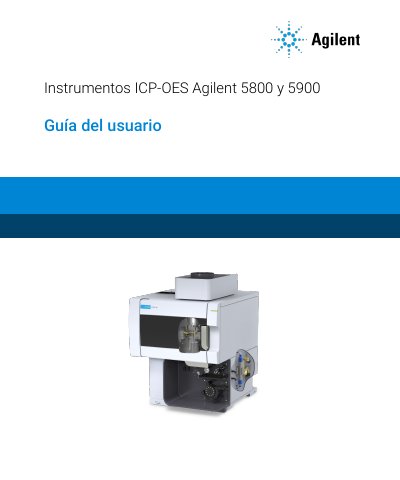
This is the user guide (Guía del usuario) for the Agilent 5800 and 5900 ICP-OES instruments, manual part number G8020-95002, first edition October 2019, published by Agilent Technologies. The document is written in Spanish and applies to both instruments unless otherwise stated.
The guide covers safety hazards and safe working practices, site preparation requirements (argon supply, exhaust system, cooling air, water chiller and drain container), installation and connection to the ICP Expert software, torch assembly and removal, accessories such as the SPS 4 autosampler and AVS valve systems, operating procedures including ignition, worksheet creation, method development and shutdown, and routine maintenance, torch cleaning and troubleshooting.
| Plasma temperature | approximately 10,000 °C |
|---|---|
| Work coil operating voltage | 1,500 V RMS |
| Work coil frequency | approximately 27 MHz |
Always switch off the plasma before opening the torch compartment door, either by pressing Shift + F5 on the keyboard or clicking the "Plasma off" icon in the ICP Expert software toolbar.
The torch and the adjacent area remain hot for up to five minutes after the plasma is switched off, so let them cool or use heat-resistant gloves before working in that area.
An exhaust system of the appropriate type as specified in the Site Preparation Guide must vent gases outside the building in accordance with local regulations, and it must be switched on before the plasma.
The instrument must only be used by qualified personnel, since operation involves compressed gases, high-voltage RF energy and hazardous materials.