
Key facts
Start here
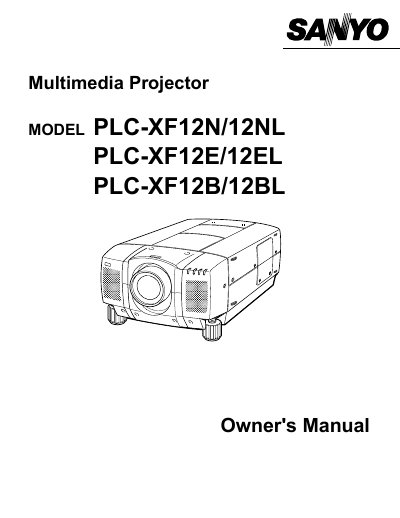
SANYO PLC-XF12N/12NL PLC-XF12E/12EL PLC-XF12B/12BL user manual(1)
This document serves as the Owner's Manual for Sanyo Multimedia Projectors, specifically models PLC-XF12N/12NL, PLC-XF12E/12EL, and PLC-XF12B/12BL. It provides essential safety precautions regarding fire hazards, electric shock, and laser light exposure before operating the device.
Read onlineAll Sanyo 12E documents by type
Day-to-day operation, settings and troubleshooting. Start here if the product is already set up.
Questions answered in these manuals
What should I do if the projector seems to operate improperly?
Read the manual again, check operations and cable connections, try solutions in the 'Trouble-shooting' section, or contact the sales dealer.
From: SANYO PLC-XF12N/12NL PLC-XF12E/12EL PLC-XF12B/12BL user manual(1)
Can I open the cover of the projector myself?
No. Do not remove the cover as there are no user-serviceable parts inside except for lamp replacement.
From: SANYO PLC-XF12N/12NL PLC-XF12E/12EL PLC-XF12B/12BL user manual(1)
What safety precaution should be taken regarding the projector's lens?
Do not stare directly into the projection lens or the laser light window, as this can cause eye damage.
From: SANYO PLC-XF12N/12NL PLC-XF12E/12EL PLC-XF12B/12BL user manual
What type of fuse is required for the United Kingdom power cord?
An ASTA approved BS 1362 fuse must be used if the supplied fuse needs replacement.
From: SANYO PLC-XF12N/12NL PLC-XF12E/12EL PLC-XF12B/12BL user manual
What safety precaution should be taken regarding the projector's ventilation slots?
The ventilation slots should never be covered with cloth or other materials to prevent heat build-up.
What type of cleaning cloth is recommended for the projector?
You should use a damp cloth for cleaning the projector.