
Key facts
- Brand
- Sanyo
- Model
- HDP-M3000
- Category
- Other Electronics
- Documents
- 4
- Languages
- EN · IT · ES
- Last added
- 2023-10-17
Start here
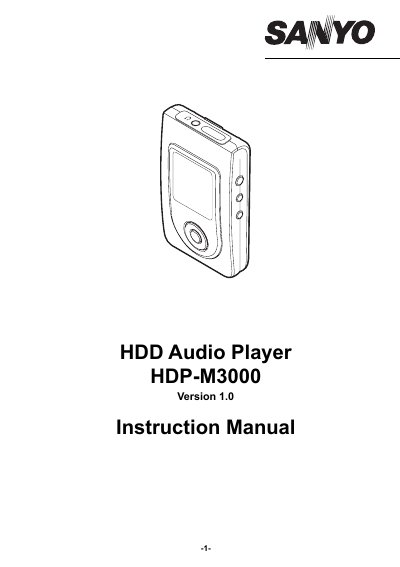
SANYO HDP-M3000 HDD Audio Player Instruction Manual
This manual provides instructions for the SANYO HDP-M3000 HDD Audio Player, including precautions, control descriptions, and recommended PC environments. It details how to connect the player to a PC and install the MusicFileMaster software for data management.
Read onlineSANYO HDP-M3000 specifications
| Internal Storage | Internal Hard Disk |
|---|---|
| Battery Type | Lithium Ion |
| Charging Time | approximately 4 hours |
| Supported OS | Windows XP Professional, Windows XP Home Edition, Windows 2000 Professional, Windows Millennium Edition |
All SANYO HDP-M3000 documents by type
Day-to-day operation, settings and troubleshooting. Start here if the product is already set up.
Questions answered in these manuals
How long does it take to fully charge the battery?
The battery is fully charged approximately 4 hours.
Can I use the player with a Macintosh PC?
No, operation is not guaranteed for Macintosh PCs.
How do I view the instruction manual?
Open the [Manual] folder on your PC (e.g., C:\Program Files\SANYO\Manual) and double-click the desired PDF file. Adobe Acrobat Reader is required to view the PDF.
What is the SANYO HDD Audio Player HDP-M3000 designed for?
It is designed to play music files and transfer data using a built-in hard disk.
How long does it take to fully charge the battery?
The battery is fully charged in approximately 4 hours.
Is the HDP-M3000 compatible with Macintosh computers?
No, the manual states that operation is not guaranteed for Macintosh computers.