
Sanyo PLC-EF12N Multimedia Projector Owner's Manual

The document is a user manual for the PLC-EF12N/12NL multimedia projector by Haimeis.
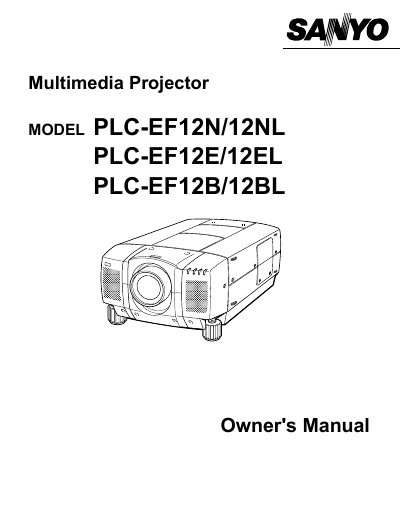

Sanyo PLC-EF12N Multimedia Projector Owner's Manual - cover page
Brand
Sanyo
Category
Projector
Document type
User Manual
Language
English
Pages
56
File format
PDF
File size
918 KB
Published
03 August, 2012
Updated
30 September, 2023
Models
12NL, 12E, 12B
MD5 checksum
EE0F8D7B35B89612A0354FAB1A6A05E8

About this manual

This document serves as the Owner's Manual for the Sanyo PLC-EF12N, PLC-EF12NL, PLC-EF12E, and PLC-EF12B multimedia projectors. It covers essential safety precautions, including warnings about intense light from the projection lens and proper ventilation requirements to prevent overheating. The manual details the features and design of the device, explaining how to identify and use various parts and controls.

What's inside

  • Safety Precautions
  • Features and Design
  • Setting Up the Projector
  • Connecting the Projector
  • Operating the Remote Control
  • Operating On-Screen Menu
  • Adjusting the Image
  • Maintenance
  • Troubleshooting
  • Technical Specifications

Frequently asked questions

What safety precaution should be taken regarding the projector's ventilation slots?

The ventilation slots should never be covered with cloth or other materials to prevent heat build-up.

What type of cleaning cloth is recommended for the projector?

You should use a damp cloth for cleaning the projector.

What must be done if the projector is not to be used for an extended time?

You must unplug the projector from the power outlet.

Download PDF (918 KB)

More Sanyo Manuals


View all Sanyo manuals →