
Key facts
Start here
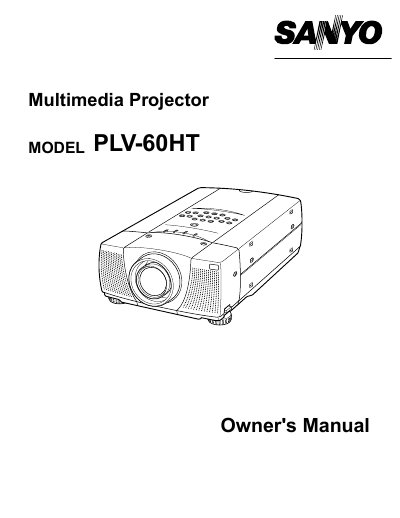
Sanyo PLV-60HT Multimedia Projector Owner's Manual
The Sanyo PLV-60HT is a multimedia projector designed to display images from various input sources including computers and video equipment. The document covers safety precautions, physical setup, and connection procedures for different systems.
Key operational features include automatic PC adjustment, manual image level adjustments, and keystone correction. The manual also details remote control usage, on-screen menu navigation, and basic functions such as picture freeze and sound adjustment.
All Sanyo PLV-60 documents by type
Day-to-day operation, settings and troubleshooting. Start here if the product is already set up.
Questions answered in these manuals
What safety precaution must be taken regarding the projector lens?
Do not stare directly into the projection lens because it produces intense light that can cause eye damage.
What is required for proper air circulation and cooling around the projector?
Appropriate space must be maintained on the top, sides, and rear of the cabinet to allow air circulation.
What safety precaution is required when cleaning the projector?
You must unplug the projector from the AC power supply before cleaning it.
What is the minimum distance required for air circulation on the top and sides of the projector?
You must maintain a minimum distance of 50cm on the top and sides of the projector.