
Key facts
Start here
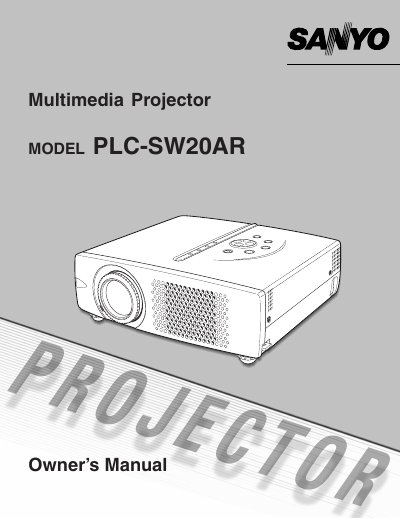
Sanyo PLC-SW20AR Projector Owner's Manual
This document is the Owner's Manual for the Sanyo PLC-SW20AR projector. It provides comprehensive instructions on safety precautions, initial setup including power connection and positioning, and connecting to various input sources such as computers and video equipment.
The guide details how to operate the On-Screen Menu system for adjusting picture settings like zoom, focus, keystone, image levels, and screen geometry. It also covers sound adjustment, lamp replacement procedures, cleaning instructions for filters and lenses, and a troubleshooting section.
Sanyo PLC-SW20 specifications
| Resolution | SVGA (800 x 600) |
|---|---|
| Brightness | 1000 ANSI Lumens |
| Contrast Ratio | 350:1 (full on/off) |
| Dimensions | 10.1"x3.0"x9.1" |
All Sanyo PLC-SW20 documents by type
Day-to-day operation, settings and troubleshooting. Start here if the product is already set up.
Questions answered in these manuals
What safety precautions should be taken regarding the projection lens?
Do not stare directly into the lens as it produces intense light that could damage eyes, especially for children.
What safety precaution should be taken regarding the projector's ventilation slots?
Do not cover the ventilation slot on the projector, as heat build-up can reduce service life and be dangerous.
What HDTV resolutions does the PLC-SW20 accept?
It accepts 1080i, 1035i, 720p, 575p, 575i, 480p and 480i HDTV resolution standards.
How does the digital keystone correction work?
It compensates for angled projector placement by digitally altering the pixels to produce undistorted images.