
Key facts
Start here
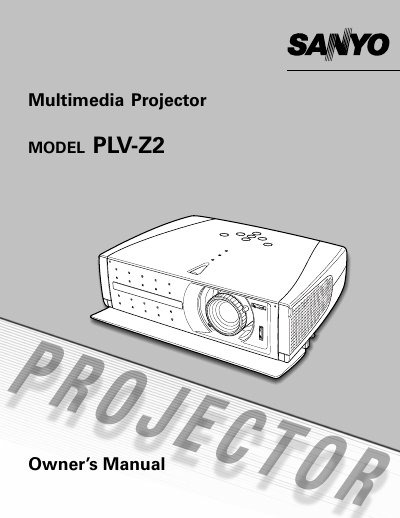
Sanyo PLV-Z2 Multimedia Projector Owner's Manual
The Sanyo PLV-Z2 is a multimedia projector designed to display images from various input sources including video equipment and computers. The device features an on-screen menu system for adjusting image settings such as zoom, focus, aperture, keystone correction, and screen size. It supports multiple connection types, including Video, S-Video, Component, DVI (HDCP), and RGB Scart.
Read onlineAll Sanyo PLV-Z2 documents by type
Day-to-day operation, settings and troubleshooting. Start here if the product is already set up.
Questions answered in these manuals
What happens if the projector is moved from a cool area to a warm one?
Moisture condensation may form on the projection lens, requiring the unit to be left off until the condensation disappears.
From: Sanyo PLV-Z21/PLV-Z1BL Multimedia Projector Owner's Manual
How much can the projector be tilted during installation?
The projector should not be tilted more than 20 degrees on either side.
From: Sanyo PLV-Z21/PLV-Z1BL Multimedia Projector Owner's Manual