
Key facts
- Brand
- Sanyo
- Model
- DP47460
- Category
- Television
- Industry
- Appliances
- Documents
- 2
- Languages
- EN
- Last added
- 2012-07-13
Start here
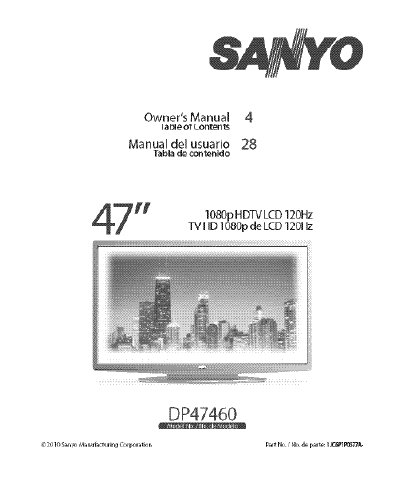
Sanyo DP47460 HDTV Owner's Manual
The document serves as an owner's manual for the Sanyo DP47460 High Definition Television. It covers essential safety precautions regarding electric shock and fire hazards, FCC compliance details, and trademark information including Dolby and HDMI licensing.
The guide provides step-by-step instructions for initial setup, including stand removal and assembly, wall mounting using a VESA 400x400 interface, and connecting antennas or cable services. It also details remote control battery installation and power connection procedures.
All Sanyo DP47460 documents by type
Day-to-day operation, settings and troubleshooting. Start here if the product is already set up.
Questions answered in these manuals
What is the VESA mounting standard for this TV?
The product uses a VESA standard interface of 400 x 400.
What type of batteries are required for the remote control?
The manual specifies installing two "AAA" batteries in the remote control.
How do I connect the HDTV to a wireless network?
Select the Network option, choose Wireless, scan for access points, select your network, choose the security protocol, and follow the on‑screen instructions.
How can I deactivate the VUDU, Netflix or Pandora services?
Open the Setup > Information menu, select Deactivation, choose the service you wish to deactivate, and confirm with Yes.