
Key facts
Start here
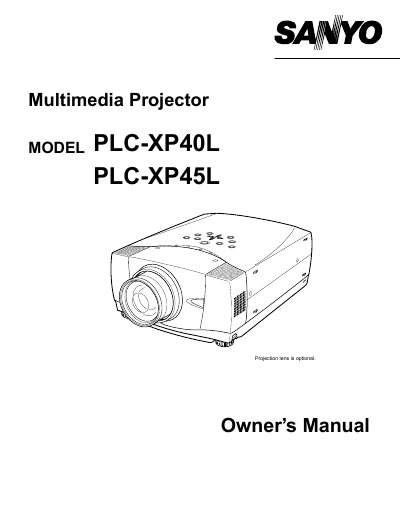
Sanyo PLC-XP40L/PLC-XP45L Multimedia Projector Owner's Manual
This manual covers the features, design, and preparation of the Sanyo PLC-XP40L and PLC-XP45L multimedia projectors. It includes detailed instructions on setting up the projector, connecting it to computers and video equipment, and adjusting the image and sound.
Read onlineAll Sanyo PLC-XP45 documents by type
Day-to-day operation, settings and troubleshooting. Start here if the product is already set up.
Questions answered in these manuals
What safety precaution must be taken regarding the projector's ventilation slots?
Do not cover the ventilation slot on the projector because heat build-up can reduce the service life of the projector and can also be dangerous.
From: Sanyo PLC-XP40L/PLC-XP45L Multimedia Projector Owner's Manual
What should be done if the projector is not to be used for an extended time?
Unplug the projector from the power outlet to prevent damage due to lightning and power line surges.
From: Sanyo PLC-XP40L/PLC-XP45L Multimedia Projector Owner's Manual
What safety precaution is required when cleaning the projector?
You must unplug the projector from the AC power supply before cleaning it.
How long must the LASER button be pressed to activate the laser pointer function?
You must press the LASER button for 1 minute to emit the laser beam.
What safety precaution is required when cleaning the projector?
You must unplug the projector from the AC power supply before cleaning it.
From: Sanyo PLC-XP40L/PLC-XP45L Multimedia Projector Owner's Manual
How long must the LASER button be pressed to activate the laser pointer?
The LASER button must be pressed for 1 minute.
From: Sanyo PLC-XP40L/PLC-XP45L Multimedia Projector Owner's Manual