
Key facts
Start here
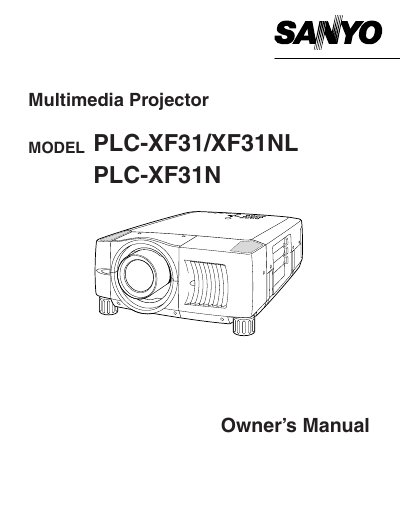
SANYO PLC-XF31/XF31NL/XF31N user manual(1)
The document serves as a comprehensive guide for users of the Sanyo PLC-XF31, PLC-XF31NL, and PLC-XF31N multimedia projectors. It covers essential safety precautions, including warnings about intense light from the lens and ventilation requirements to prevent overheating. The manual details how to install the lamp, connect power cords for various regions (US/Canada, UK), and position the projector correctly.
Read onlineAll Sanyo XF31NL documents by type
Day-to-day operation, settings and troubleshooting. Start here if the product is already set up.
Questions answered in these manuals
What should I do if the projector seems to operate improperly?
Read the manual again, check operations and cable connections, try solutions in the 'Trouble-shooting' section, or contact the sales dealer.
Can I open the cover or back of the projector myself?
No. Do not remove the cover as there are no user-serviceable parts inside except for lamp replacement.
What should I do if the projector operates improperly?
Read the manual again, check operations and cable connections, and try the solutions in the 'Trouble-shooting' section.
From: Sanyo PLC-XF31/XF31NL/PLC-XF31N Multimedia Projector Owner's Manual
Can I open the projector cover for service?
No, do not remove the cover as there are no user-serviceable parts inside except for the lamp replacement.
From: Sanyo PLC-XF31/XF31NL/PLC-XF31N Multimedia Projector Owner's Manual