
SANYO PLC-XF12N/12NL PLC-XF12E/12EL PLC-XF12B/12BL user manual(1)

This is the user manual of Sanyo PLC-XF12N/12NL Multimedia Projector.
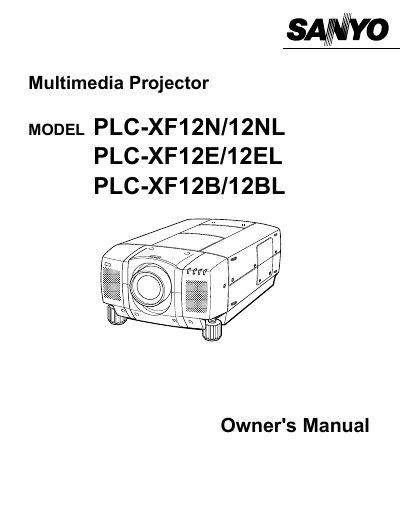

SANYO PLC-XF12N/12NL PLC-XF12E/12EL PLC-XF12B/12BL user manual(1) - cover page
Brand
Sanyo
Category
Projector
Document type
User Manual
Language
English
Pages
56
File format
PDF
File size
907 KB
Published
03 August, 2012
Updated
30 September, 2023
MD5 checksum
4201558BABABD07D8C3AAE979E15132D

About this manual

This document serves as the Owner's Manual for Sanyo Multimedia Projectors, specifically models PLC-XF12N/12NL, PLC-XF12E/12EL, and PLC-XF12B/12BL. It provides essential safety precautions regarding fire hazards, electric shock, and laser light exposure before operating the device.

What's inside

  • Safety Precautions
  • Features and Design
  • Setting-Up The Projector
  • Connecting The Projector
  • Operating On-Screen Menu
  • Turning On / Off The Projector
  • Adjusting The Image
  • Maintenance
  • Troubleshooting
  • Technical Specifications

Specifications

Document TypeMultimedia Projector
Compatible ModelsPLC-XF12N/12NL, PLC-XF12E/12EL, PLC-XF12B/12BL

Frequently asked questions

What should I do if the projector seems to operate improperly?

Read the manual again, check operations and cable connections, try solutions in the 'Trouble-shooting' section, or contact the sales dealer.

Can I open the cover of the projector myself?

No. Do not remove the cover as there are no user-serviceable parts inside except for lamp replacement.

What happens if I stare directly into the projection lens?

Eye damage could result. Do not stare directly into the lens.

Download PDF (907 KB)

More Sanyo Manuals


View all Sanyo manuals →