
Key facts
Start here
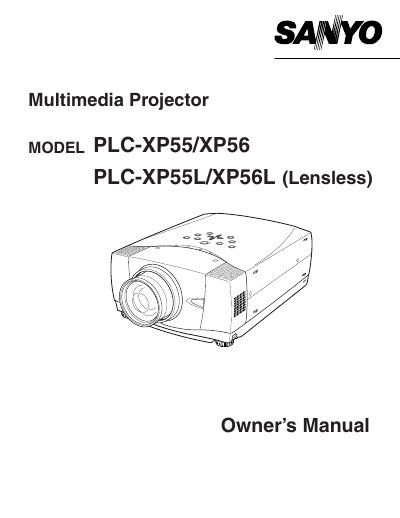
SANYO PLCXP56 projector user manual
This document serves as the Owner's Manual for the Sanyo PLC-XP55 and PLC-XP56 multimedia projectors, including lensless variants. It outlines essential safety precautions, such as avoiding direct eye contact with the projection lens and ensuring proper ventilation to prevent overheating. The manual also details compliance with FCC regulations and provides specific instructions for AC power cord requirements in the United States, Canada, and the United Kingdom.
Read onlineAll Sanyo PLC-XP55 documents by type
Day-to-day operation, settings and troubleshooting. Start here if the product is already set up.
Questions answered in these manuals
What safety precaution is required when cleaning the projector?
You must unplug the projector from the AC power supply before cleaning it.
What is the minimum distance required for ventilation on the sides and top?
A minimum distance of 50 cm must be maintained on the sides and top.
What safety precaution is required when cleaning the projector?
You must unplug the projector from the AC power supply before cleaning it.
From: Sanyo PLC-XP55/PLC-XP55L Multimedia Projector Owner's Manual
How should the projector be positioned to ensure proper cooling?
Take appropriate space on the top, sides and rear of the projector cabinet for allowing air circulation.
From: Sanyo PLC-XP55/PLC-XP55L Multimedia Projector Owner's Manual
What is the minimum distance required between the projector and a wall or cabinet?
The manual requires a minimum distance of 50 cm on all sides to allow for air circulation.
From: Sanyo PLC-XP55/PLC-XP55L Multimedia Projector Owner's Manual
How long must the LASER button be held down to activate the laser pointer function?
You must press and hold the LASER button for 1 minute to emit the laser beam.
From: Sanyo PLC-XP55/PLC-XP55L Multimedia Projector Owner's Manual