
Key facts
Start here
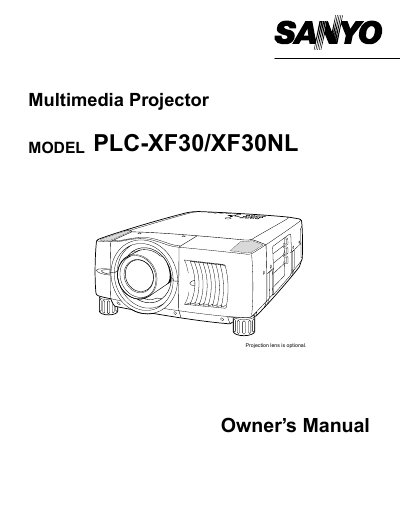
Sanyo PLC-XF30/XF30NL Multimedia Projector Owner's Manual
The document serves as an owner's manual for the Sanyo PLC-XF30/XF30NL multimedia projectors. It covers essential safety precautions, including warnings about intense light from the projection lens and proper ventilation requirements to prevent overheating.
The guide details setup procedures such as connecting AC power cords compatible with various regions (US/Canada, UK), installing lenses, and positioning the projector for optimal viewing. It also explains how to operate the device using top controls and indicators, utilizing the remote control unit, and adjusting settings via the on-screen menu.
All Sanyo PLC-XF30 documents by type
Day-to-day operation, settings and troubleshooting. Start here if the product is already set up.
Questions answered in these manuals
What should be done if the projector seems to operate improperly?
Read the manual again, check operations and cable connections, try solutions in the 'Trouble-shooting' section, or contact the sales dealer.
From: Sanyo PLC-XF30/XF30NL Multimedia Projector Owner's Manual
Can users service the projector themselves?
No, users should not open or remove covers as it may expose them to dangerous voltage; refer all servicing to qualified service personnel.
From: Sanyo PLC-XF30/XF30NL Multimedia Projector Owner's Manual
What safety precaution is required when cleaning the projector?
You must unplug the projector from the AC power supply before cleaning it.
How long should the laser pointer function be activated when using the Remote Control Unit?
The laser pointer function should be pressed for 1 minute to emit the laser beam.