
Key facts
Start here
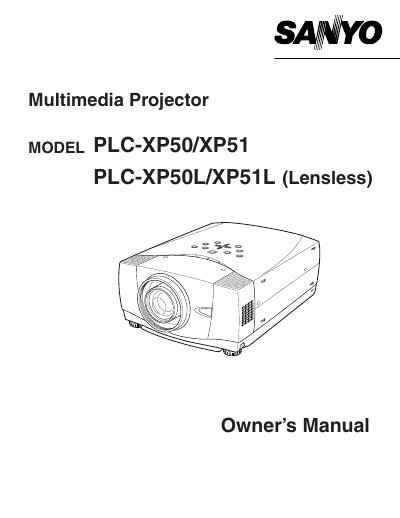
SANYO PLC-XP50/XP51 PLC-XP50L/XP51L user manual
This document is the Owner's Manual for the Sanyo PLC-XP50/XP51 and PLC-XP50L/XP51L Multimedia Projectors. It covers essential safety precautions, including warnings about intense light from the lens and ventilation requirements to prevent overheating.
The manual details proper setup, operation procedures, and maintenance instructions for end users. It also includes a troubleshooting section to help resolve common operational issues.
All Sanyo PLC-XP50 documents by type
Day-to-day operation, settings and troubleshooting. Start here if the product is already set up.
Questions answered in these manuals
What safety precaution is required when cleaning the projector?
You must unplug the projector from the AC power supply before you clean it.
How should the projector be positioned regarding air circulation?
Take appropriate space on the top, sides and rear of the projector cabinet for allowing air circulation.
What safety precaution should be taken regarding the projection lens?
Do not stare directly into the lens because intense light is produced and eye damage could result.
From: Sanyo PLC-XP50/PLC-XP50L Multimedia Projector Owner's Manual
How much space must be left around the projector for cooling?
You must take appropriate space on the top, sides, and rear of the cabinet to allow air circulation.
From: Sanyo PLC-XP50/PLC-XP50L Multimedia Projector Owner's Manual