
The Philips 273B9 monitor user manual provides safety guidelines, installation steps, image‑optimization settings, power management, technical…
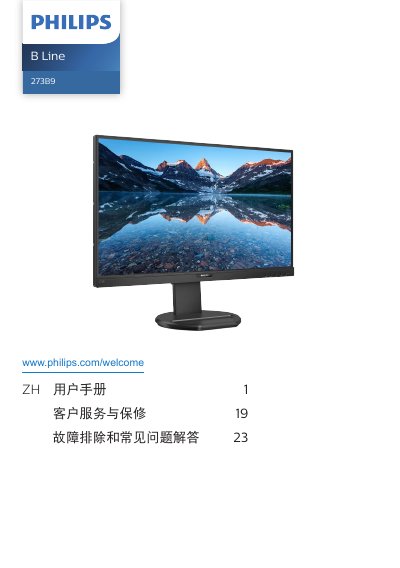
This manual covers all essential information for using the Philips 273B9 LCD monitor. It begins with safety precautions, disposal instructions, and warranty conditions, then guides you through unpacking, mounting the base, and connecting video and USB cables.
Later sections explain the on‑screen display (OSD) menu, SmartImage and Adaptive Sync features, PowerSensor power‑saving modes, and detailed technical specifications. The final chapters provide troubleshooting tips, FAQs, and contact information for service and support. This manual is written in Chinese.
| Panel type | IPS |
|---|---|
| Backlight | W‑LED |
| Screen size | 27" (68.6 cm) |
| Aspect ratio | 16:9 |
| Native resolution | 1920 × 1080 @ 60 Hz |
| Contrast (typical) | 1000:1 |
| Refresh rate range | 48 – 75 Hz |
| Color depth | 16.7 M (6‑bit, Hi‑FRC) |
| Power consumption (typical) | 22.2 W |
Set the monitor to its native resolution of 1920 × 1080 at 60 Hz.
Enable the screen‑saver and the periodic refresh application when the monitor is left unattended.
Do not tilt the screen downward more than –5°; exceeding this may void the warranty.
Wipe with a slightly damp soft cloth; avoid organic solvents such as alcohol or acetone.