
The Philips 227E3L Monitor User Manual covers setup, operation, image optimization, power management, specifications, warranty, and troubleshooting for the…
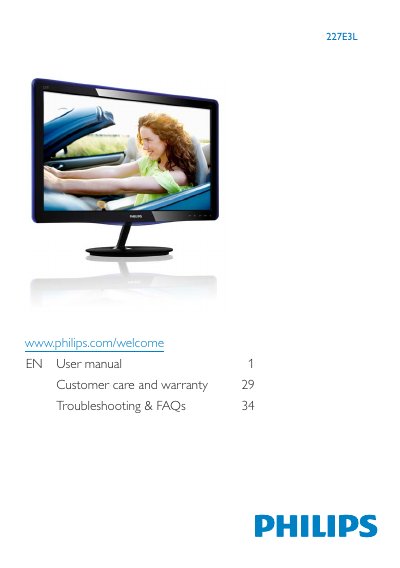
This user manual is for the Philips 227E3L monitor and explains how to set up, operate, and maintain the display. It includes safety precautions, installation steps, and guidance on using the on-screen display and control keys.
The document also covers image optimization features such as SmartImage Lite and SmartContrast, the PowerSensor, power management, technical specifications, regulatory information, customer care and warranty, and troubleshooting with FAQs.
| Operating temperature | 0-40°C (32-95°F) |
|---|---|
| Operating humidity | 20-80% RH |
Use the monitor in a location with a temperature between 0-40°C (32-95°F).
Use the monitor in a location with humidity between 20-80% RH.
The three modes are Standard, Internet, and Game.
Turn off the power immediately, disconnect the power cord, remove the water, and send the monitor to a maintenance center.