
Key facts
- Brand
- Philips
- Model
- 8FF3CDW/8FF3CME/10FF3CDW/10FF3CME/10FF3CMI
- Category
- Other Electronics
- Industry
- Electronics
- Documents
- 3
- Languages
- DA · ZH
- Last added
- 2026-11-25
Start here
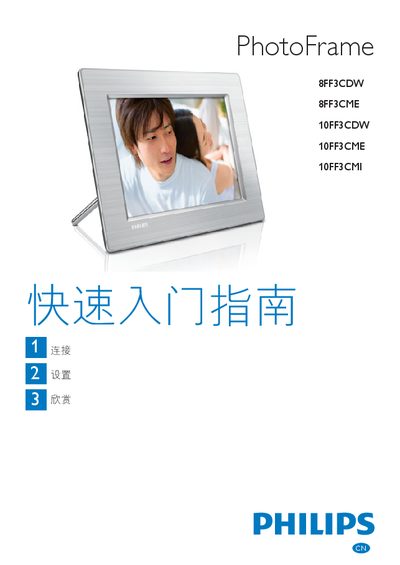
Philips PhotoFrame 8FF3CDW / 8FF3CME / 10FF3CDW / 10FF3CME / 10FF3CMI Quick Start Guide
This Quick Start Guide provides step‑by‑step instructions for connecting, installing and enjoying Philips PhotoFrame digital photo frames. It explains how to attach the power adapter, insert storage media, and configure basic settings such as language and display options.
The guide also details how to create albums, set up slideshow and collage modes, adjust automatic power and sleep functions, and troubleshoot common issues like photo distortion or unresponsive behavior. Supported storage media and power requirements are listed, and tips for optimal picture display are included. This manual is written in Chinese.
Philips 8FF3CDW/8FF3CME/10FF3CDW/10FF3CME/10FF3CMI specifications
| Supported memory cards | Compact Flash type I, Secure Digital (SD), Secure Digital (SDHC), Multimedia Card, xD Card, Memory Stick, Memory Stick Pro, Memory Stick Duo, Memory Stick Pro Duo |
|---|---|
| Supported USB storage | USB flash drive |
| Display modes | Slideshow, browser, and calendar |
Source: Philips Digital PhotoFrame 8FF3CDW/8FF3CME/10FF3CDW/10FF3CME/10FF3CMI User Manual
All Philips 8FF3CDW/8FF3CME/10FF3CDW/10FF3CME/10FF3CMI documents by type
Day-to-day operation, settings and troubleshooting. Start here if the product is already set up.
The shortest path to a working setup, usually only a few pages.
Questions answered in these manuals
Which storage media can the Philips Digital PhotoFrame display photos from?
It supports Compact Flash type I, SD, SDHC, Multimedia Card, xD Card, Memory Stick variants, and USB flash drives.
From: Philips Digital PhotoFrame 8FF3CDW/8FF3CME/10FF3CDW/10FF3CME/10FF3CMI User Manual
How do I turn the Philips Digital PhotoFrame on or off?
Press and hold the power button for more than one second to turn it on, or more than two seconds to turn it off.
From: Philips Digital PhotoFrame 8FF3CDW/8FF3CME/10FF3CDW/10FF3CME/10FF3CMI User Manual
Why does the photo frame not enter automatic off state?
Make sure the frame is receiving power and press the reset button on the back with a pin to restore it.
From: Philips PhotoFrame 8FF3CDW / 8FF3CME / 10FF3CDW / 10FF3CME / 10FF3CMI Quick Start Guide
How can I prevent photo distortion when the image format differs from the frame’s format?
Use the background color or fluorescent color display modes instead of automatic adjustment to avoid distortion.
From: Philips PhotoFrame 8FF3CDW / 8FF3CME / 10FF3CDW / 10FF3CME / 10FF3CMI Quick Start Guide