
Key facts
- Brand
- Philips
- Model
- 22HFL3330D
- Industry
- Electronics
- Documents
- 2
- Languages
- ZH · EN
- Last added
- 2026-11-25
Start here
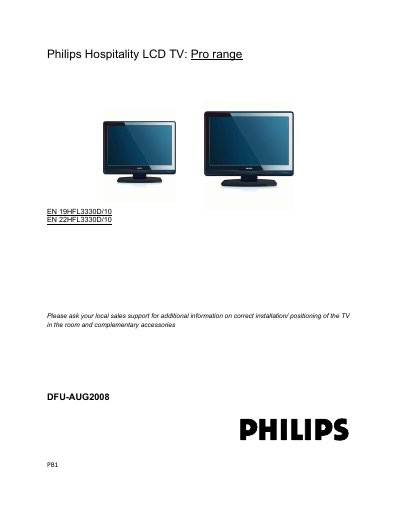
Philips 19HFL3330D/10 22HFL3330D/10 User Manual
This manual explains the Professional Business Solutions (PBS) mode for Philips Hospitality LCD TV models 19HFL3330D/10 and 22HFL3330D/10. It guides hotel installers through initial setup, remote‑control configuration, and how to activate PBS mode for guest use.
The document also details cloning of TV settings via USB Smartloader, wiring connections, display and control settings, and practical hints for positioning and maintenance of the TV in a hospitality environment.
Philips 22HFL3330D specifications
| Diagonal screen size | 22 inch / 56 cm |
|---|---|
| Panel resolution | 1680 x 1050p |
| Brightness | 300 cd/m² |
| Contrast ratio | 1000:1 |
| Response time | 5 ms |
| Power consumption | 55 W |
| Standby power consumption | <0.3 W |
| Product weight | 5.5 kg |
| VESA wall mount compatible | 100 x 100 mm |
All Philips 22HFL3330D documents by type
Day-to-day operation, settings and troubleshooting. Start here if the product is already set up.
Questions answered in these manuals
What is the screen resolution and brightness?
The screen resolution is 1680 x 1050p and the brightness is 300 cd/m².
Is the TV compatible with VESA mounting?
Yes, it is VESA wall mount compatible with 100 x 100 mm mounting holes.
How do I activate PBS mode on the TV?
Open the PBS setup menu and select ON for PBS MODE.
Which remote control keys open the PBS menu?
Press the RC2573 MENU key in SETUP mode or the guest RC sequence “319753” within 10 seconds.