
This manual provides detailed information on how to install, operate and maintain your Philips display.
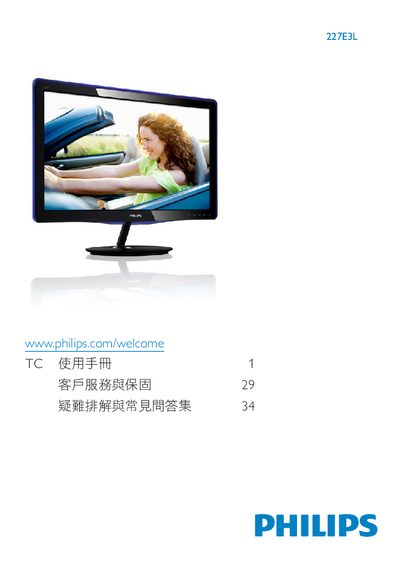
This manual explains how to safely install and connect the Philips 227E3L monitor, including unpacking, mounting the base, and attaching power and video cables. It also covers basic operation, menu navigation, and display settings such as color temperature, sRGB, and user‑defined modes.
Safety guidelines, warranty information, and environmental disposal instructions are included, along with a troubleshooting section that answers common questions about cleaning, image retention, and optimal resolution settings. This manual is written in Chinese.
| Operating Temperature | 0‑40°C (32‑95°F) |
|---|---|
| Native Resolution | 1920 × 1080 @ 60 Hz |
| Video Inputs | HDMI, VGA, DVI‑D |
| Power Input | AC mains |
| Security Lock | Kensington lock included |
Use the native resolution of 1920 × 1080 at 60 Hz for optimal display quality.