
The document introduces a brand of TV products. The TV products have multiple functions, such as connecting mobile phones and computers, and voice control
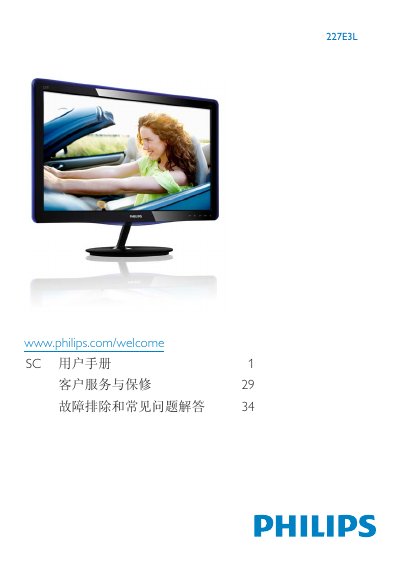
This manual provides instructions for setting up and operating the Philips 227E3L monitor. It includes safety precautions, installation steps, control panel functions, image optimization settings, and troubleshooting tips. The document also covers warranty conditions, environmental requirements, and proper disposal of the product.
Key features include SmartImage Lite for image optimization, multiple input options (VGA, DVI-D, HDMI), and on-screen display (OSD) controls for adjusting brightness, contrast, and input sources.
| Resolution | 1920 x 1080 @60Hz |
|---|---|
| Operating Temperature | 0-40°C (32-95°F) |
| Operating Humidity | 20-80% RH |
The LCD monitor works best at its native resolution of 1920 x 1080 @60Hz. For optimal display, use this resolution.
Enable the screen refresh application to prevent image burn-in or ghosting.
Permanent burn-in cannot be repaired and is not covered under warranty.