
This is an electronic user manual that provides detailed instructions on how to safely use and troubleshoot the 202P monitor.
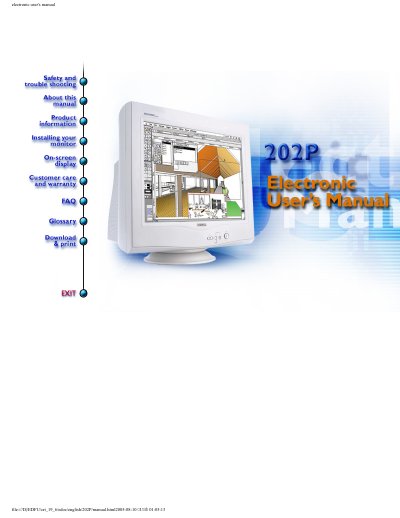
This manual provides safety instructions, setup guidance, and technical specifications for the Philips 202P monitor. It covers features like auto-calibration, sRGB color mode, and power-saving settings. Safety precautions include avoiding moisture, not using alcohol for cleaning, and not removing the back cover. The monitor is ENERGY STAR® compliant and lead-free, with a 22-inch screen and 0.25mm dot pitch. It supports resolutions up to 2048 x 1536 and includes physical dimensions, power requirements, and pin assignments for the 15-pin D-sub connector.
| Screen Size | 22 inch / 55 cm |
|---|---|
| Dot Pitch | 0.25 mm |
| Horizontal Scanning | 30 - 130 KHz |
| Vertical Scanning | 50 - 160 Hz |
| Maximum Resolution | 2048 x 1536 |
| Power Supply | 100-240VAC, 50-60Hz |
| Operating Temperature | 5° to 35°C |
| Weight | 26 kg |
| Color Temperature | 9300K, 6500K, 5500K |
Open the OSD by pressing the OK button, go to Color temperature, select sRGB, and press OK. Do not change brightness or contrast afterward.
16.0" x 12.0" / 406 x 305 mm.
Yes, it is lead-free and complies with the RoHS Directive.