
This file is the electronic user manual for Philips 202P display, which introduces the characteristics, settings, operation and other information of the display.
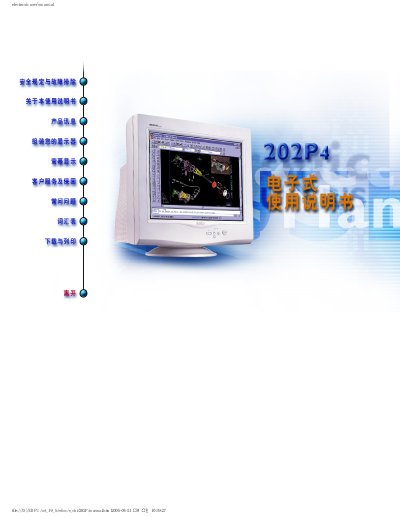
This electronic user's manual covers the Philips 202P color monitor (models 202P40, 202P45 and 202P4), a 22-inch (20.0-inch VIS) flat-square CRT display. According to the document, the guide describes the monitor's features, setup and operation and is the same as the printed version.
Chapters cover safety and troubleshooting, product information with technical specifications, installing the monitor, on-screen display adjustments, customer service and warranty, a glossary and frequently asked questions. Stated figures include 30 - 130 kHz horizontal scanning, 50 - 160 Hz vertical scanning, a maximum resolution of 2048 x 1536 and 125 W power consumption in normal operation. This manual is written in Chinese.
| CRT size and deflection | 22 in / 55 cm; 90-degree deflection angle |
|---|---|
| Dot pitch / grille pitch | 0.24 mm |
| Horizontal scanning frequency | 30 - 130 kHz |
| Vertical scanning frequency | 50 - 160 Hz |
| Video dot rate | 360 MHz |
| Maximum resolution | 2048 x 1536 (flicker-free 1920 x 1440 up to 85 Hz) |
| Weight | 29 kg |
| Power supply | 100-240 VAC, 60-50 Hz |
| Operating temperature | 0 to 40 °C / 32 to 102 °F |
| Relative humidity | 5% to 95% |
The graphics card installed in your computer may be set higher than the monitor's specifications; contact your computer manufacturer for details on how to lower the operating system resolution.
Moiré is a natural effect or appearance of a cathode ray tube (CRT), a repeating wavy pattern overlaid on the screen image. The document suggests using a moiré removal function, changing to the recommended resolution or adjusting the horizontal and vertical size to reduce it.
Press the OK button to enter the OSD, use the down key to go to color temperature and press OK, then move to sRGB mode and press OK, and exit the OSD.
Unplug the monitor and clean it with a slightly damp cloth if necessary; never use alcohol or ammonia-based liquids.