
The document describes the features and characteristics of a product.
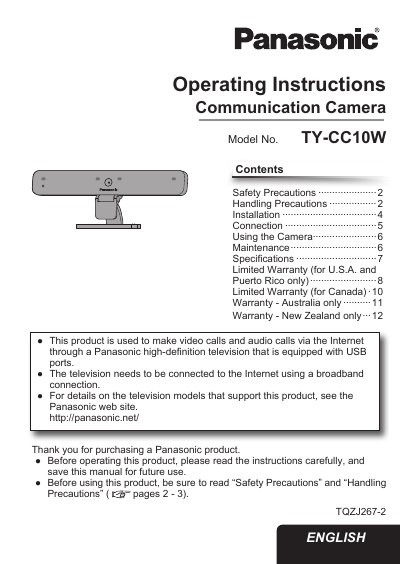
This document provides operating instructions for the Panasonic TY-CC10W Communication Camera. The camera is designed to make video and audio calls via the Internet through a Panasonic high-definition television equipped with USB ports. It requires a broadband connection and specific Panasonic television models to function correctly.
| Power Supply | DC 5 V (USB powered) 500 mA |
|---|---|
| Dimensions | Width 210mm, Height 76mm, Depth 43mm |
| Weight | Approx. 200 g (including USB cable) |
| Operating Temperature | 0 °C - 40 °C (32 °F - 104 °F) |
| Lens | F/2.0 3P Lens |
| Microphones | 4 unidirectional microphones |
| Sensor | 1/4 inch CMOS Sensor |
| Resolution | Max. 1280 x 720 (HD) |
| Video Format | H.264, YUV |
| Frame Rate | 22 fps at HD, 30 fps at VGA |
You must always connect this camera to a Panasonic television that is equipped with USB ports.
No, you cannot use a USB hub; the camera USB connector must be connected directly to the television.
The limited warranty coverage for parts is 90 days from the date of original purchase.