
This is a product manual for BDT220/BDT120 Blu-ray Disc Player, which introduces the use, installation and precautions of the player
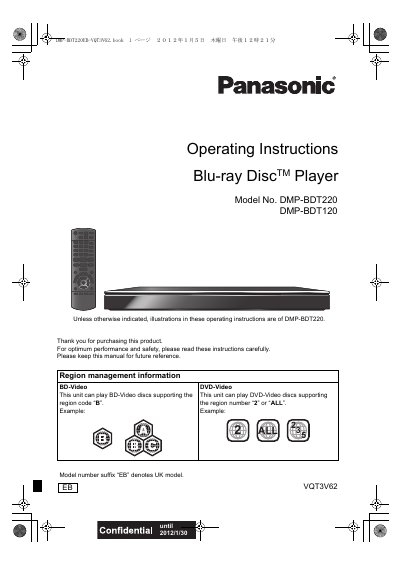
The Panasonic DMP-BDT220 is a Blu‑ray Disc (BD‑Video) player that supports region‑coded BD‑Video discs (region B) and DVD‑Video discs (region 2 or ALL). It offers high‑definition video output, 3D playback, network services, and a variety of media formats including SD cards and USB storage.
The operating instructions cover safety precautions, required accessories, media handling, remote‑control usage, connection methods to TV, audio equipment and network, as well as detailed specifications, troubleshooting tips, and firmware update procedures.
| Signal system | PAL/NTSC |
|---|---|
| Operating temperature range | -5 °C to 35 °C |
| Operating humidity range | 10 % to 80 % RH |
| Video output level | 1.0 Vp‑p (75 Ω) |
| Audio output level | 2 Vrms (1 kHz, 0 dB) |
| Power supply | AC 220‑240 V, 50 Hz |
| Power consumption (normal) | ≈ 9.9 W |
| Power consumption (standby) | ≈ 0.1 W |
| Dimensions (W × H × D) | 430 mm × 38 mm × 185 mm |
| Mass | ≈ 1.5 kg |
| Wireless LAN standard | IEEE 802.11 b/g/n |
| Laser class | Class 1 |
| Laser wavelength | 790 nm (CD), 660 nm (DVD), 405 nm (BD) |
The player can play BD‑Video discs with region code B and DVD‑Video discs with region number 2 or ALL.
Use a High‑Speed HDMI cable (5 m or shorter) to connect the HDMI‑OUT of the player to a 3D‑compatible TV, then select the 3D mode on the TV.