
Key facts
- Brand
- Motorola
- Model
- DCT6200
- Industry
- Electronics
- Documents
- 2
- Languages
- EN
- Last added
- 2012-05-02
Start here
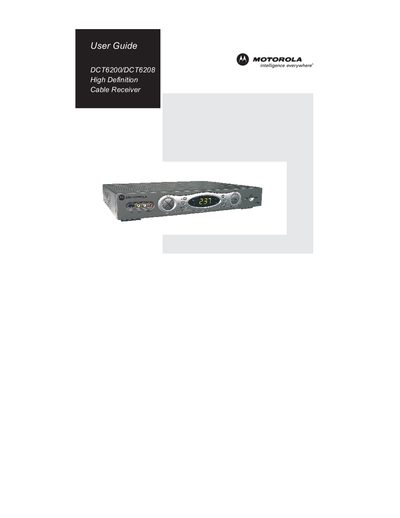
Motorola DCT6200/DCT6208 Cable Receiver User Guide
This guide begins with important safety instructions, warning about electric shock, proper grounding, and the need for qualified service personnel. It also covers battery handling, heat sources, and regulatory compliance for the DCT6200/DCT6208 high‑definition cable receiver.
The manual then details basic operation, power on/off, channel changes, volume control, and the interactive program guide. It includes audio/video connection diagrams, RF bypass, output‑setting optimization, and step‑by‑step instructions for connecting the receiver to HDTVs, stereo TVs, VCRs, DVD players, and audio‑video receivers. Physical dimensions and weight are listed in the specifications section.
All Motorola DCT6200 documents by type
Day-to-day operation, settings and troubleshooting. Start here if the product is already set up.
Questions answered in these manuals
Why are there black bars on all four sides of the picture?
The 4:3 OVERRIDE setting is OFF; set it to 480i or 480p to fill the screen on a 4:3 TV.
From: Motorola DCT6200 High Definition Cable Receiver User Guide
How can I reduce the risk of electric shock when using the receiver?
Do not remove the cover, keep the unit away from moisture, and have any repairs performed by qualified service personnel.
From: Motorola DCT6200 High Definition Cable Receiver User Guide