
Key facts
Start here
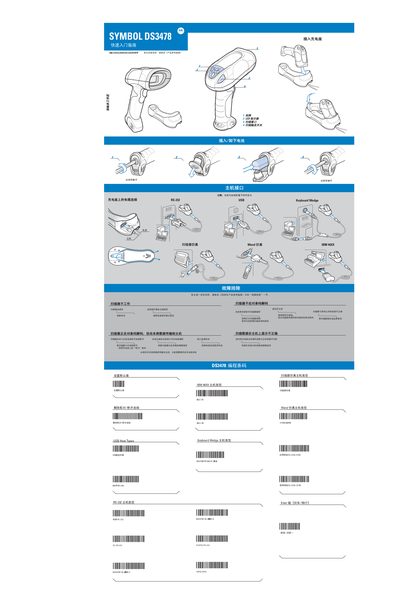
Motorola DS3478 Quick Start Guide
The Motorola DS3478 is a handheld barcode scanner designed for fast data capture in home or office environments. This guide provides the essential steps to get the scanner up and running, including inserting the charging dock, pairing, and basic operation.
Key sections cover charging procedures, pairing with the dock, scanning best practices, safety recommendations, and a troubleshooting chapter that helps resolve common issues such as decoding errors or power problems. This manual is written in Chinese.
Motorola DS3478 specifications
| Power Supply Model | Motorola 50-14000 or PWRS-14000 |
|---|---|
| Rated Voltage | 5 V |
| Rated Current | 850 mA |
| Bluetooth Identifier | BT01784 |
| Maximum RF Output Power | 10 mW |
All Motorola DS3478 documents by type
Day-to-day operation, settings and troubleshooting. Start here if the product is already set up.
The shortest path to a working setup, usually only a few pages.
Questions answered in these manuals
How do I pair the scanner with the charging dock?
Use the pairing barcode on the charging dock to establish the connection.
What power supply should be used with the DS3478?
Only the Motorola 50-14000 or PWRS-14000 power supplies, rated at 5 V and 850 mA, may be used.