
This document is the user manual for DCT6200 High Definition Cable Receiver, which mainly introduces the installation, connection, use and maintenance of the set-top box.
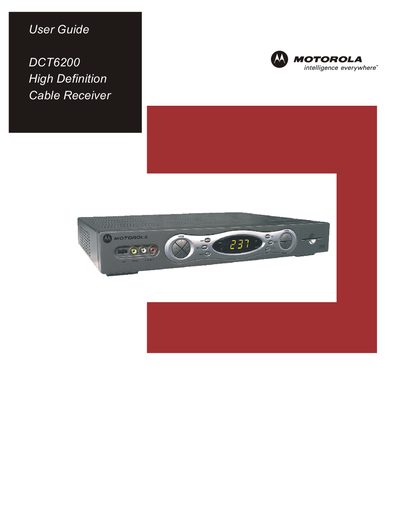
This user guide explains the safety precautions required when handling the DCT6200 cable receiver, including warnings about electric shock, proper grounding, and the need for qualified service personnel. It also outlines regulatory compliance information for FCC and Canadian standards.
The manual walks you through connecting the receiver to HDTVs, standard‑definition TVs, and audio equipment, describes how to activate digital cable services, adjust picture settings, use the interactive program guide, and resolve common issues such as black bars on the screen.
| FCC Classification | Class B digital device |
|---|
The 4:3 OVERRIDE setting is OFF; set it to 480i or 480p to fill the screen on a 4:3 TV.
Do not remove the cover, keep the unit away from moisture, and have any repairs performed by qualified service personnel.