
This is a user guide for Wireless-N Ethernet Bridge with Dual-Band (model WET610N)
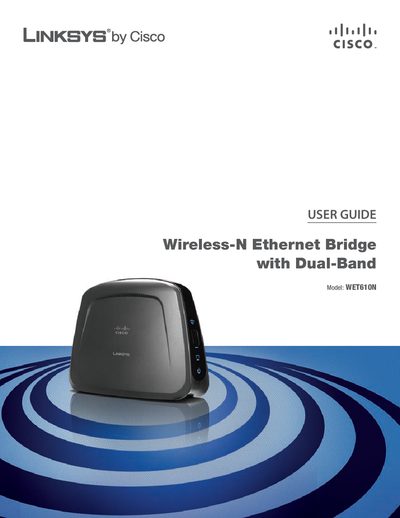
The guide introduces the Linksys WET610N Wireless‑N Ethernet Bridge, which connects wired Ethernet devices to a wireless network using dual‑band Wireless‑N technology. It describes the LEDs, ports, and basic operation, including the Wi‑Fi Protected Setup button and reset procedure.
Advanced chapters cover wireless security best practices, detailed configuration via the web‑based utility, and how to assign static IP addresses, change passwords, and select security modes such as WPA, WPA2, or WEP. Appendices provide troubleshooting steps, specifications, warranty details, regulatory notices, and the software license agreement.