
This document introduces the use of the Linksys BEFSR81 router.
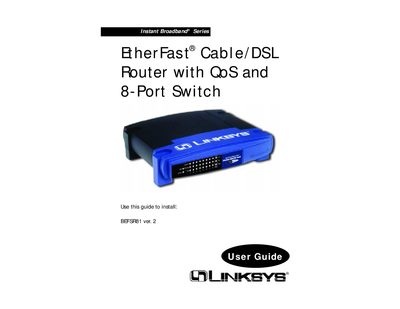
The Linksys BEFSR81 Instant Broadband EtherFast router provides cable/DSL broadband connectivity, QoS, VPN pass‑through, and an 8‑port Ethernet switch. This guide walks you through hardware installation, basic network setup, and configuring the router’s web‑based utility.
You will learn how to connect the router to your modem and PCs, set up DHCP or static IP addressing, use the web interface for advanced features such as port forwarding, DMZ hosting, and QoS, and troubleshoot common issues with LEDs and diagnostics.
| LAN ports | 8 |
|---|---|
| WAN port | 1 |
| QoS support | Yes |
The Diag LED lights red during the router’s self‑diagnosis at boot and turns off when the test completes successfully.
QoS is enabled automatically when the QoS LED on the front panel lights green, indicating the feature is active.