
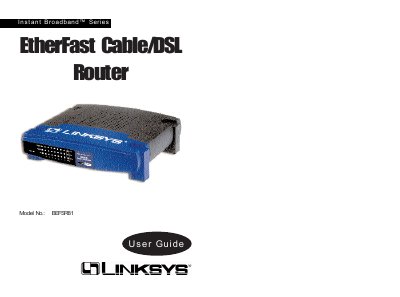
This guide provides step‑by‑step instructions for setting up the Linksys Instant Broadband EtherFast Cable/DSL Router, including hardware connections, initial power‑up, and basic network configuration. It also covers the router’s web‑based utility for managing DHCP, IP settings, and security features.
Detailed sections describe the rear and front panel LEDs, port functions, cable types, and how to reset or restore factory defaults. The manual includes troubleshooting tips, TCP/IP installation guidance, and specifications of the router’s ports and performance.
| Model Number | BEFSR81 |
|---|---|
| Standards | IEEE 802.3 10BaseT, 802.3u 100BaseTX |
| Ports | Eight 10/100 RJ45 LAN ports, one 10Base‑T WAN port |
| Speed | Router 10 Mbps, Switch 10/100 Mbps |
| Cabling Type | 10BaseT: UTP/STP Category 3 or 5, 100BaseT |
Open a web browser and type http://192.168.1.1 in the address bar.
Leave the username field empty and enter "admin" as the password.