
This file is the BEFSR81 ver. 2 User Guide, which introduces the features and usage methods of the Instant Broadband® Series EtherFast® Cable/DSL Router with QoS and 8-Port Switch.
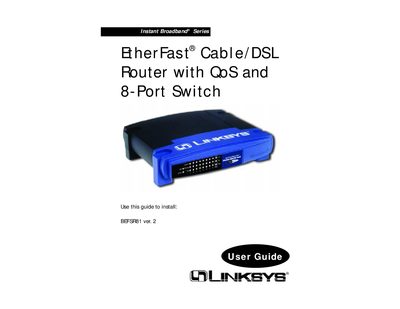
The Linksys BEFSR81 EtherFast Cable/DSL Router with QoS and 8‑Port Switch provides broadband connectivity for up to 253 PCs, offering DHCP, static routing, port filtering, DMZ hosting, and Quality of Service features. This guide walks you through hardware installation, basic network setup, and configuring the router via its web‑based utility.
Key sections cover connecting the router and modem, configuring PCs for DHCP or static IP, setting up QoS and security options, and troubleshooting common issues. Appendices include specifications, warranty information, and contact details for Linksys technical support.
| QoS support | Data prioritization based on ports and Internet services |
|---|---|
| VPN Pass‑Through | IPSec and PPTP |
| 8‑Port Switch | Auto‑Sense, uplink capable on each LAN port |
| DHCP server | Automatically assigns IP addresses to LAN devices |
| UPnP support | Easy network configuration |
Yes, by default the router functions as a DHCP server for the LAN, but you must disable one of the DHCP servers if another device is already providing DHCP.