
This is a user manual for Kodak S2000f/S3000 series scanners, including instructions for use, common questions and answers.
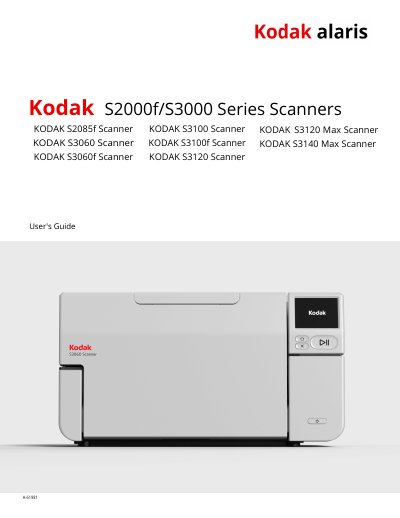
This guide provides instructions for installing, operating, and maintaining Kodak S2000f/S3000 Series scanners. It covers setup, scanning adjustments, document handling, printer accessory use, maintenance procedures, and troubleshooting. The guide applies to multiple models including S2085f, S3060, S3100, S3120 Max, and S3140 Max. Safety precautions and cleaning guidelines are included to ensure proper operation and longevity.
| Scanning Speed | Up to 140 pages per minute (S3140 Max) |
|---|---|
| Resolution | 300 dpi |
| Document Size | Up to A4 (21 x 29.7 cm) or 8 ½ x 11-inch (21.6 cm x 27.94 cm) for flatbed scanning |
The work surface must be capable of supporting 20.4 kg (45 lbs).
The power outlet must be located within 1.52 meters (5 feet) of the scanner.
The scanner requires a dedicated and properly grounded power outlet.