
Kodak S2000f/S3000 Series Scanners User's Guide

This is a user manual for S2000f/S3000 series scanners
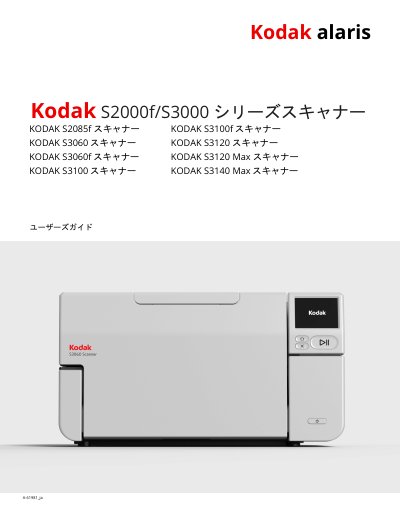

Kodak S2000f/S3000 Series Scanners User's Guide - cover page
Brand
Kodak
Category
Scanner
Document type
User Manual
Language
Japanese
Pages
83
File format
PDF
File size
6.9 MB
Published
17 October, 2023
Updated
17 October, 2023
MD5 checksum
97A8615E2FA0C6BD5326B4700F58EF51

About this manual

This guide provides instructions for installing, operating, and maintaining Kodak S2000f and S3000 series scanners. It covers setup procedures, scanning operations, cleaning, maintenance, and troubleshooting. Safety precautions and warnings are included to ensure safe operation. The guide also details software installation, network configuration, and firmware updates. This manual is written in Japanese.

What's inside

  • Safety Information
  • Installation and Setup
  • Scanning Operations
  • Maintenance and Cleaning
  • Troubleshooting
  • Accessories and Consumables
  • Regulatory Information
  • Warranty Information

Frequently asked questions

How much weight can the scanner support on its surface?

The scanner can support a stable, level surface with a weight of up to 20.4 kg.

What is the maximum recommended distance for the power outlet?

The power outlet must be within 1.52 meters (5 feet) of the scanner.

What is the noise level at the operator's position?

The noise emission value at the operator's position is less than 70 dB(A).

Download PDF (6.9 MB)

More Kodak Manuals


View all Kodak manuals →