
This document is the user manual for the Kodak ESP 9 All-in-One Printer. It introduces the features and usage methods of this printer.
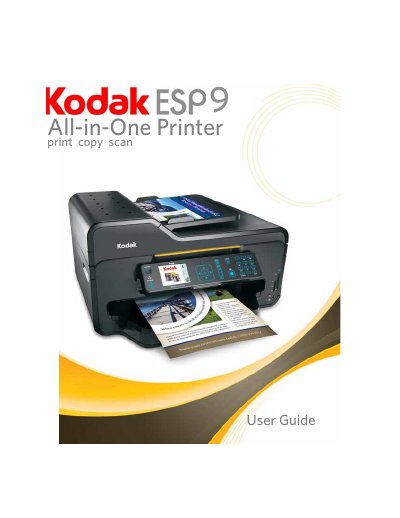
This user manual provides step-by-step instructions for setting up and operating the Kodak ESP 9 All-in-One printer. It covers connecting to networks (wired and wireless), configuring print and scan settings, using the control panel, and managing fax functions. The guide also includes detailed troubleshooting for common issues like paper jams, print quality problems, and connectivity errors.
Maintenance tasks such as cleaning the scanner, replacing ink cartridges, and updating software are explained. The manual supports both Windows and Macintosh operating systems and includes sections for configuring the Home Center software and managing printer settings through the control panel or computer.
| Software Support | Home Center for Windows, Home Center for Macintosh |
|---|---|
| Physical Specifications | Not explicitly detailed in text, but includes dimensions and weight. |
| Warranty | Not explicitly detailed in text. |
Refer to the troubleshooting section for steps to resolve power-on issues.
Follow the maintenance options section to replace ink cartridges.