
This Kodak all-in-one printer can print, copy, scan, and fax pictures and documents. It is easy to use and has affordable ink cartridges. It provides high quality pictures and documents.
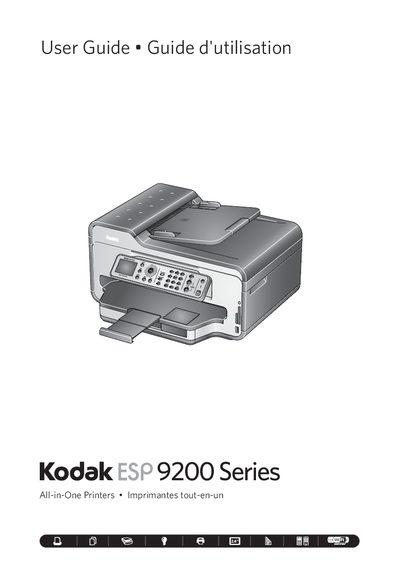
This manual covers the Kodak ESP 9200 Series all‑in‑one printer, which can print, copy, scan, and fax pictures and documents. It describes the control panel layout, available ports (USB, Ethernet, Wi‑Fi), and the Home Center software for Windows and Mac.
The guide explains how to load various paper types, adjust paper‑edge guides, and use the printer’s features such as the LCD display, fax functions, and Wi‑Fi connectivity. Troubleshooting tips and warranty information are also included.
| Main paper tray capacity | 100 sheets |
|---|---|
| Supported main tray paper sizes | 4x6 in./10x15 cm to 8.5 x 14 in./22 x 36 cm |
| Supported photo tray paper sizes | 4x6 in./10x15 cm to 5x7 in./13x18 cm |
The printer accepts plain paper, photo paper, card stock, envelopes, transparencies (inkjet variety with white stripe), and labels on 8.5 × 11‑in. or A4 sheets.
Visit the Kodak support site at www.kodak.com/go/aiosupport for FAQs, software or firmware upgrades, the extended user guide, and other assistance.