
This manual introduces the basic operations of the KODAK ESP 7200 series all-in-one printer, including connecting to a wireless network, installing the printer, and loading paper.
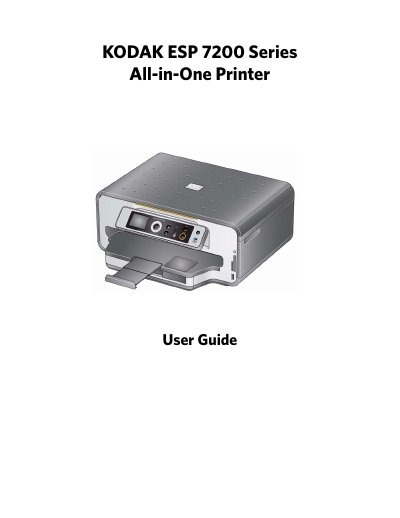
The Kodak ESP 7200 Series All-in-One Printer allows users to print, copy, and scan documents and photos. It supports networking via wireless (Wi-Fi) or Ethernet connections and includes features like KODAK PERFECT TOUCH Technology for image enhancement. The printer utilizes a 2-cartridge, 6-ink system and supports various paper sizes and media types.
| Black print speed | Up to 32 pages per minute on plain paper |
|---|---|
| Color print speed | Up to 30 pages per minute on plain paper |
| Print technology | Continuous-tone, thermal inkjet |
| Paper capacity (Bottom tray) | 100 sheets of 20 lb plain paper |
| Paper capacity (Top tray) | 40 sheets of photo paper |
| Ink handling | 2-cartridge, 6-ink system |
| Wi-Fi technology | 802.11n, WPA, WMM, and WPS |
The printer supports Draft, Normal, and Best modes on plain paper, and Photo quality mode on photo paper.
Yes, the printer supports networking over a wireless (Wi-Fi) or Ethernet network.
The printer supports MMC, XD, SD, SDHC, COMPACTFLASH Types I and II, and MICRODRIVE cards.