
This Kodak all-in-one printer can print, copy, and scan pictures and documents
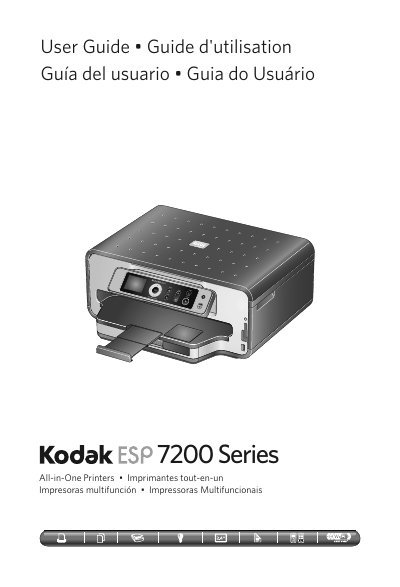
This user guide explains how to operate the Kodak ESP 7200 Series all-in-one printer for printing, copying, and scanning. It includes instructions for loading plain and photo paper, using Home Center Software, and performing basic troubleshooting. Safety and warranty information are also provided.
The guide covers setup and operation using factory default settings, with detailed steps for printing documents and pictures from various sources including memory cards, USB devices, and Bluetooth-enabled devices.
The printer supports plain paper and envelopes with weights ranging from 20 to 24 lb or 75 to 90 gsm.
The main paper tray can hold a maximum of 100 sheets of plain paper.
The photo paper tray has a capacity of 40 sheets of photo paper.