
This document is the user guide for HP Deskjet 1280, providing instructions on how to use the product and safety information.
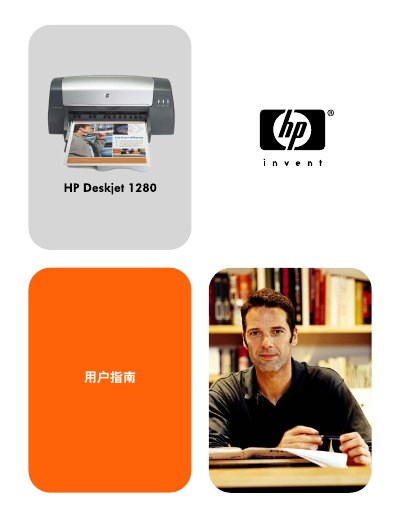
This manual covers the basics of the HP Deskjet 1280 inkjet printer, including hardware components, connection options (USB or parallel), and software installation for Windows and Macintosh systems. It also explains how to load paper, select media types, and use the built‑in toolbox for ink monitoring and other utilities.
Additional sections guide you through troubleshooting common issues such as paper jams, slow printing, and ink problems, and provide details on printer specifications, supported media, and how to obtain further customer support. This manual is written in Chinese.
| Main paper tray capacity | 150 sheets of standard paper |
|---|---|
| Supported media types | Plain, inkjet, photo, banner paper; envelopes; transparencies; labels; heat‑transfer paper; cards |
| Interfaces | USB port, parallel port |
The main paper tray can hold up to 150 sheets of standard paper.
The printer includes a USB port and a parallel port for connecting to a computer.