
This document provides the user guide for HP Photosmart D7300 series printers, including support website, contact phone numbers, and support information for different countries.
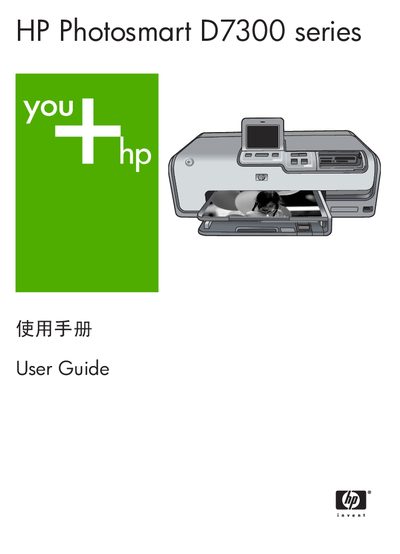
This guide introduces the HP Photosmart D7300 series printer, covering basic operation, media handling, and optional accessories. It explains how to print photos directly from the printer, from memory cards, digital cameras, iPods, or a computer, and describes the special features such as HP Real Life technology and PictBridge.
Later sections detail maintenance tasks like cleaning the print head, calibrating the printer, and storing the device, as well as troubleshooting common error messages, system requirements, technical specifications, and warranty information.
| Supported Windows operating systems | Windows 98, 2000 Professional, Me, XP Home, XP Professional |
|---|---|
| Minimum processor (Windows) | Intel Pentium II or faster |
| Minimum RAM (Windows) | 64 MB (recommended 128 MB) |
| Connectivity | USB |
Load paper into the tray and press OK to continue printing.
Remove the paper, press OK, and load paper of a size that the printer supports.
Select the automatic cleaning function from the printer’s control panel.