
User guide for HP Photosmart D7100 series printer, covering setup, printing, troubleshooting, and maintenance.
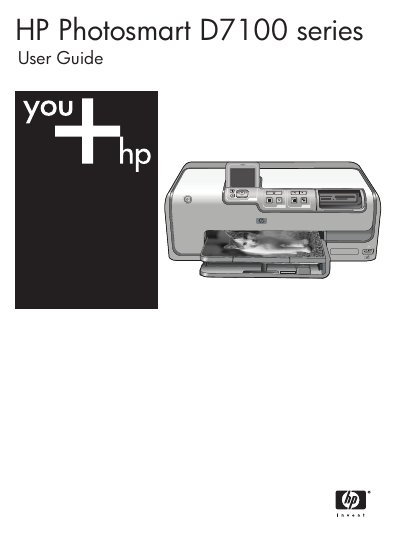
This manual provides step-by-step instructions for setting up and using the HP Photosmart D7100 series printer. It covers printing from memory cards and digital cameras, adjusting photo quality, connecting to computers, and troubleshooting common issues. The guide also includes information on printer maintenance, ink cartridge replacement, and accessing onscreen help.
The printer supports various media types and features like automatic print settings for HP Advanced Photo Paper and HP Real Life technologies for enhancing photo quality. Users can print without a computer using the control panel or connect via USB or Bluetooth for computer-based printing. This manual is written in Chinese.
| Regulatory Model Number | VCVRA-0603 |
|---|
You can load small-size paper up to 10 x 15 cm (4 x 6 inch) into the photo tray.
Press the On button to turn on the printer.
Lift the top cover to access the ink cartridges and to clear paper jams.