
Key facts
- Brand
- HP
- Model
- CM2320
- Category
- All-in-one printer
- Industry
- Computers
- Documents
- 2
- Languages
- ZH · EN
- Last added
- 2012-03-28
Start here
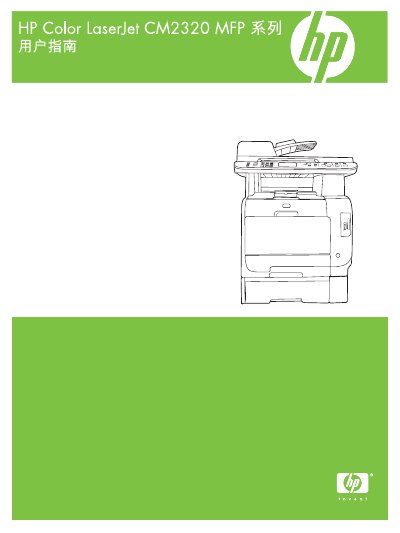
HP Color LaserJet CM2320 MFP User Manual
This guide covers all aspects of the HP Color LaserJet CM2320 MFP series, including hardware overview, control panel functions, and supported software for Windows and Macintosh. It also details connection options, paper handling, and media specifications.
Key sections include installation and network configuration, detailed instructions for printing, copying, scanning and faxing, color management, consumable replacement, troubleshooting, and service information. Appendices list part numbers, consumables, and full product specifications. This manual is written in Chinese.
HP CM2320 specifications
| Part number | CC434-90928 |
|---|---|
| Supported paper size (Letter) | 216 x 279 mm |
| Supported envelope size (DL) | 110 x 220 mm |
All HP CM2320 documents by type
Day-to-day operation, settings and troubleshooting. Start here if the product is already set up.
Questions answered in these manuals
How can I change the printing quality settings?
Printing quality can be changed via the control‑panel menu or the Windows printer driver settings as described in the manual.
How can I clear paper jams in the printer?
The guide provides step‑by‑step instructions for clearing jams in trays, the fuser area, the output bin, and the duplexer.
How should I store HP print cartridges?
Store cartridges in a horizontal position, in a dark, dry location away from heat and magnetic sources, and keep them in their original packaging until use.