
Key facts
- Brand
- HP
- Model
- M1005
- Category
- All-in-one printer
- Industry
- Computers
- Documents
- 3
- Languages
- ZH · EN
- Last added
- 2012-03-28
Start here
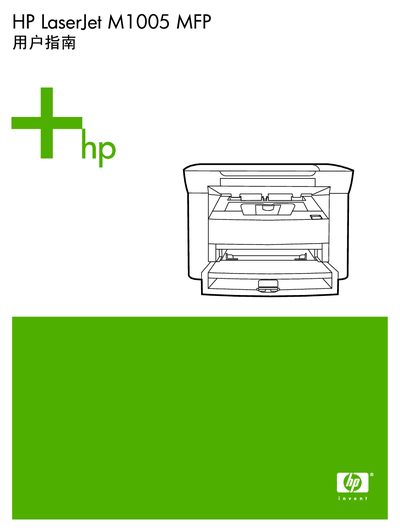
HP LaserJet M1005 MFP User Manual
The HP LaserJet M1005 MFP is a compact laser printer with copy and scan functions. This guide provides the information needed to install the device, install software drivers, and configure basic settings.
The document includes sections on device hardware, supported media, step‑by‑step instructions for printing, copying and scanning, maintenance procedures, troubleshooting checklists, and appendices with technical specifications and service information. This manual is written in Chinese.
All HP M1005 documents by type
Day-to-day operation, settings and troubleshooting. Start here if the product is already set up.
Questions answered in these manuals
What are the minimum system requirements for the software?
The manual lists the minimum system requirements in the Software section.
How can I change the default media size and type?
Use the control panel to select “更改默认介质尺寸和类型”.
Is the HP LaserJet M1005 MFP Energy Star certified?
Yes, the manual displays the ENERGY STAR® logo, indicating certification.
Is the HP LaserJet M1005 MFP ENERGY STAR certified?
Yes, the device carries the ENERGY STAR certification.