
This guide describes how to use, manage, and maintain the HP Color LaserJet CM3530 MFP series multifunction printer.
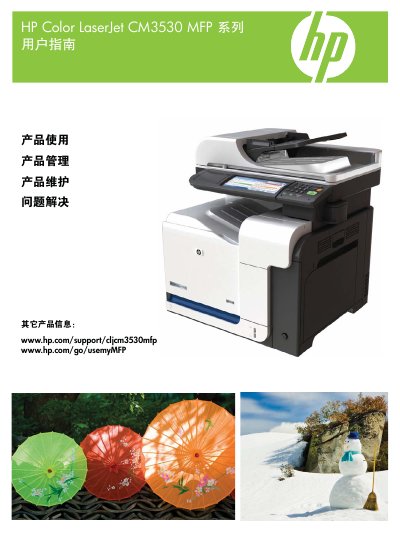
This manual covers the complete range of functions for the HP Color LaserJet CM3530 MFP, including product overview, control‑panel navigation, initial configuration, and network setup. It explains how to install and configure paper trays, select media types, and use the printer’s scanning, copying, and fax capabilities.
Additional sections describe advanced features such as color management, firmware updates, security settings, and detailed troubleshooting procedures. Maintenance topics include cleaning, cartridge replacement, and service menu usage, while appendices provide specifications, regulatory information, and warranty details. This manual is written in Chinese.
Use the control panel to manually configure the network password.
Use HP brand paper designed for laser or multifunction printers; avoid ink‑jet paper.