
Key facts
- Brand
- HP
- Model
- M2727
- Category
- All-in-one printer
- Industry
- Computers
- Documents
- 2
- Languages
- ZH
- Last added
- 2012-03-28
Start here
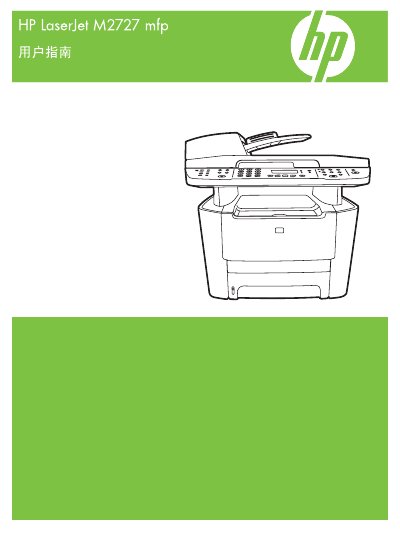
HP LaserJet M2727 MFP User Manual
The HP LaserJet M2727 MFP User Manual provides detailed instructions for installing, configuring, and using the printer’s printing, copying, scanning, and fax functions. It includes sections on hardware overview, control panel navigation, supported operating systems, and network setup.
Additional chapters cover paper and media handling, print quality settings, troubleshooting, and information on consumables, accessories, and regulatory compliance. The guide also contains specifications, part numbers, and warranty details. This manual is written in Chinese.
HP M2727 specifications
| Part number | CB532-90956 |
|---|---|
| Supported paper size – Letter | 216 x 279 mm |
| Supported paper size – A4 | 210 x 297 mm |
| Supported paper size – Legal | 216 x 356 mm |
All HP M2727 documents by type
Day-to-day operation, settings and troubleshooting. Start here if the product is already set up.
Questions answered in these manuals
What paper sizes can the HP LaserJet M2727 handle?
It supports Letter, Legal, A4, Executive, A3, A5, A6, B5 (JIS), and several custom sizes.
What is the print speed of the HP M2727?
The printer can output up to 27 pages per minute.
How much memory does the device have and can it be expanded?
It comes with 64 MB of RAM, which can be expanded to 320 MB.