
This is the user manual for HP Photosmart C7200 All-in-One series, which covers the use, setup, connection, fax settings and more.
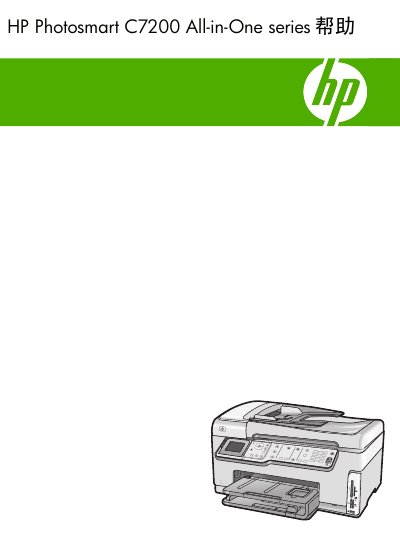
This guide covers every aspect of the HP Photosmart C7200 All‑in‑One printer. It details the control‑panel layout, menu options for copy, scan, fax and photo printing, as well as text entry methods and display icons.
The manual also explains how to connect the device via Ethernet, Wi‑Fi or Bluetooth, configure network settings, perform routine maintenance such as cleaning the print head and replacing ink cartridges, and troubleshoot common issues. This manual is written in Chinese.
| Maximum black‑and‑white print resolution | 1200 × 1200 dpi |
|---|---|
| Maximum color print resolution (optimized) | 4800 × 1200 dpi |
| Maximum copy resolution | 4800 × 4800 dpi |
| Maximum optical scan resolution | 4800 × 9600 dpi |
| Maximum enhanced scan resolution (software) | 19200 dpi |
| Fax memory capacity | Up to 120 pages |
| Fax transmission speed | 33.6 Kbps (≈3 seconds per page) |
The printer can produce up to 1200 × 1200 dpi in black‑and‑white mode.
The device can store up to 120 pages of fax data in its memory.