
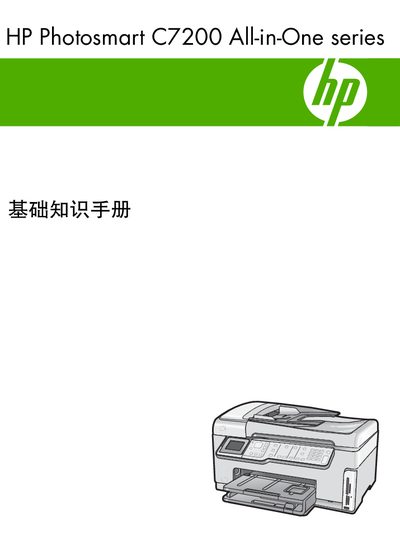
This manual covers the basic functions of the HP Photosmart CZ200 All-in-One, including printing photos, copying documents, scanning images, and sending/receiving faxes. It explains how to access these features directly from the control panel without needing a computer.
The guide also includes detailed instructions for network configuration (wired and wireless), fax setup options, hardware installation, cleaning procedures, and troubleshooting tips for common issues such as paper jams and fax failures. This manual is written in Chinese.
| Energy Star compliance | Yes |
|---|
Select the Fax menu, then choose the appropriate fax setting option to modify the configuration.
Open the Wireless WLAN setup menu and follow the on‑screen instructions to connect to an 802.11 network.