
This document is a user guide for the HP Color LaserJet 4550 series printers, providing information on the features and functions of the 4550n, 4550dn, and 4550hdn models.
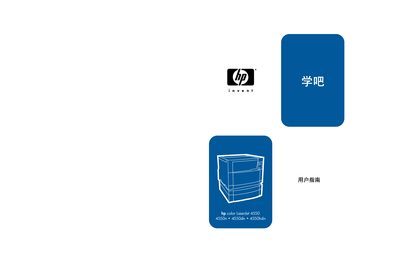
This manual explains how to set up, operate, and maintain the HP Color LaserJet 4550 series printers. It covers menu navigation, printing options, configuration settings, and troubleshooting procedures.
The document also includes technical specifications, safety and regulatory compliance information, and details on HP's environmental recycling program for toner cartridges and other consumables.
| Input tray capacity | 500 sheets |
|---|---|
| Duplex unit | Included |
| Safety standard | IEC 60950:1991+A1+A2+A3+A4, EN 60950:1992+A1+A2+A3+A4 |
| Laser class | Class 1 (Laser/LED) |
| EMC compliance | CISPR 22:1993 / EN 55022:1994 |
The printer’s input tray can hold up to 500 sheets.
Yes, a double‑sided printing attachment is included.
It complies with IEC 60950:1991+A1+A2+A3+A4 and EN 60950:1992+A1+A2+A3+A4.
Use HP’s Earth Partner recycling program; bundle cartridges and attach the prepaid UPS label provided in the packaging.