
Key facts
Start here
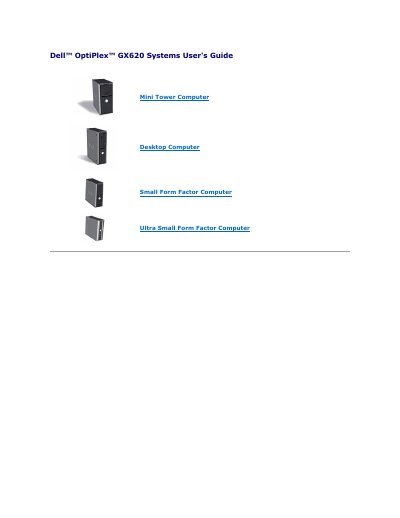
Dell OptiPlex GX620 Systems User's Guide
This guide applies to Dell OptiPlex GX620 systems in mini tower, desktop, small form factor, and ultra small form factor configurations. It describes advanced features including LegacySelect technology control, ASF alerts, and Dell OpenManage tools.
It also covers security features such as chassis intrusion detection, padlock and security cable options, and the setup and management of system and administrator passwords.
Dell GX620 specifications
| ASF alert support | ASF version 1.03 and 2.0 alerts |
|---|---|
| System password length | Up to 32 characters |
| System battery low voltage | 2.2 V or lower |
All Dell GX620 documents by type
Day-to-day operation, settings and troubleshooting. Start here if the product is already set up.
Questions answered in these manuals
What is LegacySelect technology control?
It offers legacy-full, legacy-reduced, or legacy-free solutions based on common platforms, hard-drive images, and help desk procedures.
What does ASF do?
It is designed to generate an alert on potential security and fault conditions when the operating system is in a sleep mode or the system is turned off.
How do I turn on the Dell OptiPlex GX620?
Press the power button; do not hold it for six seconds or longer, as that forces a hard shutdown.
How should I set the manual voltage selection switch?
Set the switch to the 115‑V position, even if the local AC supply is 100 V.