
Key facts
Start here
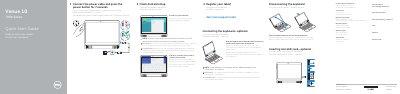
Dell Venue 10 7040 Tablet Quick Start Guide
Quick Start Guide 2 pages · 459 KB · EN
This document serves as a Quick Start Guide for the Dell Venue 10 7040 tablet. It provides initial setup instructions, including connecting the power cable, completing the Android setup, and registering the device. The guide is presented in English, French, and German.
Read onlineDell Venue 10 7040 specifications
| Regulatory model | T13G |
|---|---|
| Regulatory type | T13G001 |
| Product type | Tablet |
All Dell Venue 10 7040 documents by type
Quick Start Guide 3
The shortest path to a working setup, usually only a few pages.
Questions answered in these manuals
How do I connect the power?
Connect the power cable and press the power button for 7 seconds.
Is the keyboard included?
A keyboard may not be shipped with the tablet depending on the configuration you ordered.
How long should I press the power button after connecting the power cable?
Press the power button for 7 seconds.
How do I connect the optional keyboard?
Align the keyboard slots with the tablet connectors and insert the tablet into the keyboard.