
Key facts
- Brand
- DELL
- Model
- D1000
- Category
- Other Computer Accessories
- Documents
- 3
- Languages
- FR · PT
- Last added
- 2023-11-22
Start here
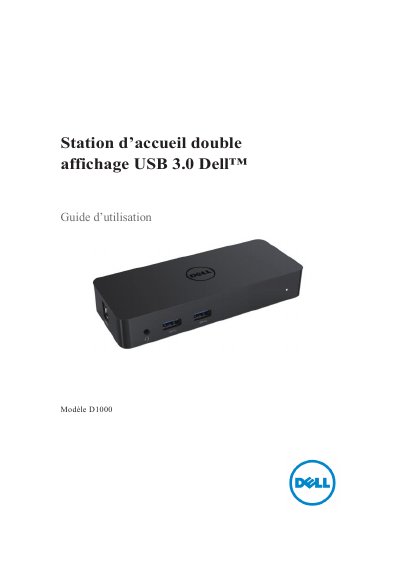
Dell D1000 Dual Display USB 3.0 Docking Station User's Guide
This manual covers the Dell D1000 Dual Display USB 3.0 Docking Station, detailing its specifications, system requirements, and recommended power adapters. It explains how to connect the device to a laptop and configure the dual display output using the DisplayLink management software. This manual is written in French.
Read onlineDell D1000 specifications
| USB 3.0 Input | 1 X USB 3.0 (Type standard B) |
|---|---|
| USB 3.0 Outputs | 2 X USB 3.0 |
| USB 3.0 Multiport | 1 X USB 3.0 multiple port supportant BC 1.2 et charge de batterie 2.1A |
| Video Outputs | 1 X VGA, 1 X HDMI, 1 X Port d'affichage |
| Network | Gigabit Ethernet |
| Audio | Combo Audio (Casque/Mic) |
| Max Resolution | Supporte la sortie de double affichage |
| Power Output | 19,5VDC/2,31A |
| Operating Temperature | 40°C |
Source: Dell D1000 Dual Display USB 3.0 Docking Station User's Guide
All Dell D1000 documents by type
Day-to-day operation, settings and troubleshooting. Start here if the product is already set up.
Questions answered in these manuals
What should I do if the video does not appear on the connected screen?
Check the connection cables, disconnect the power, wait 10 seconds, and reconnect.
From: Dell D1000 Dual Display USB 3.0 Docking Station User's Guide
How do I fix corrupted or blurry video on the connected screen?
Check the video connection cables and verify the video resolution settings in the control panel.
From: Dell D1000 Dual Display USB 3.0 Docking Station User's Guide
What should I do if there is no video on the monitor connected to the dock?
Check the video cable connections. Disconnect power, wait 10 seconds, then reconnect.
From: Dell D1000 Dual Video USB 3.0 Docking Station User Guide
Why are the audio jacks on the docking station not working?
Verify the audio settings in Control Panel > Sound to ensure the USB audio device is available and set as default.
From: Dell D1000 Dual Video USB 3.0 Docking Station User Guide